News & Newsletter
This feature allows you to create news items that will be visible to affiliates on their portal (News, updates, etc.)
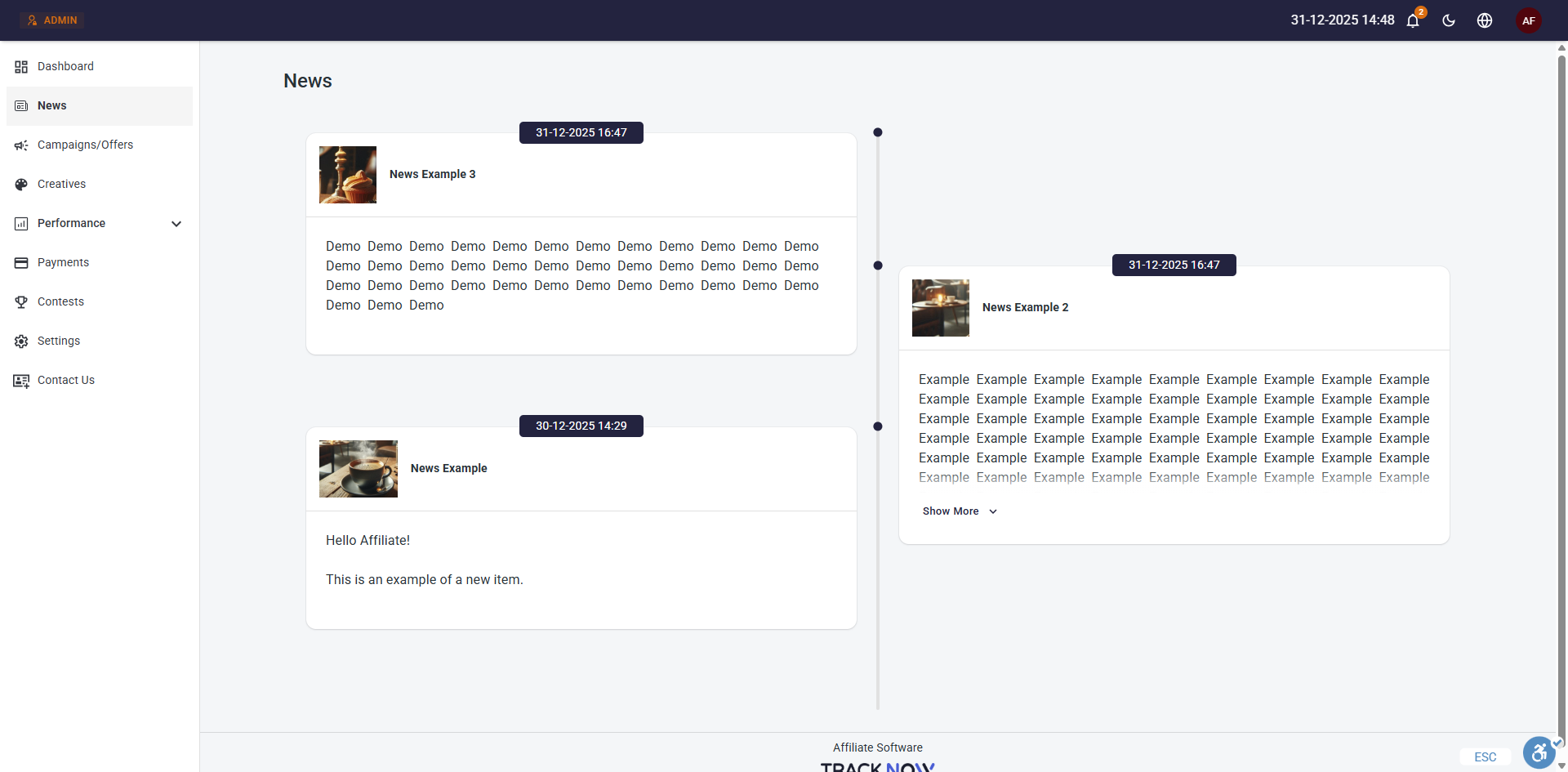
Creating News
News & Newsletter → Add News
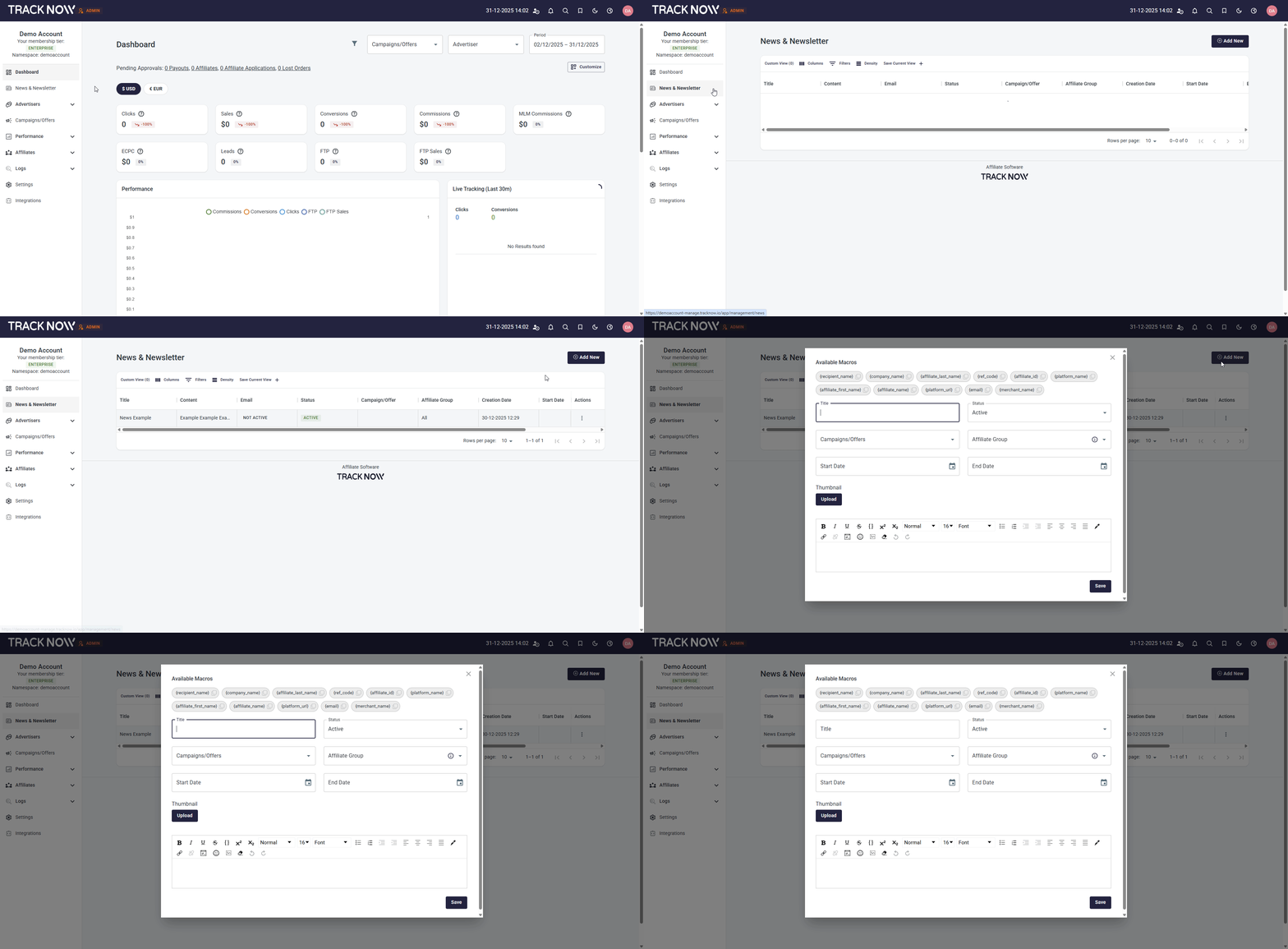
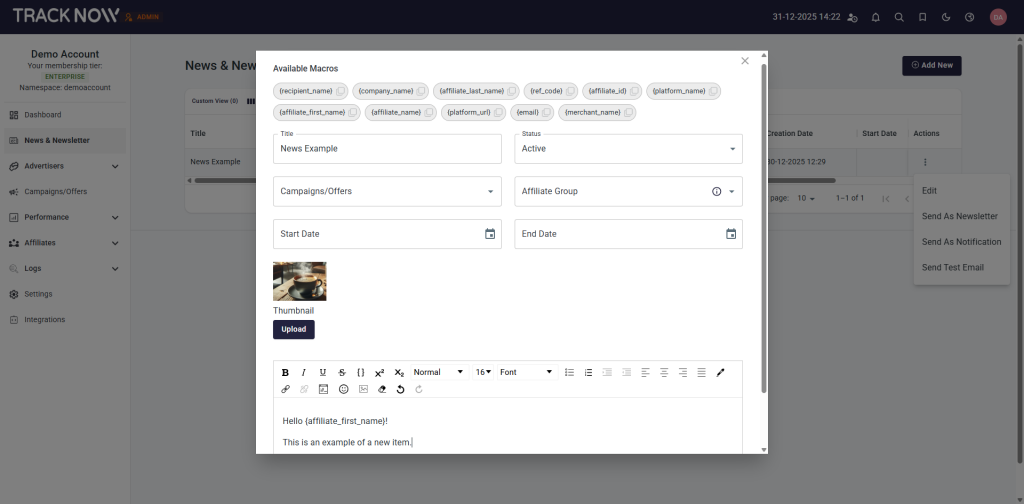
| Field | Description |
|---|---|
| Available Macros | Use dynamic parameters within the content to personalize it for each affiliate (for example, affiliate name) |
| Title | Set a title for your news item (visible to affiliates) |
| Status | Choose the item's status (Active - visible to affiliates, Draft - not visible to affiliates, Inactive - to hide existing news items) |
| Campaigns/Offers | Select one or more campaigns to make this news item visible only to affiliates participating in those campaigns. (Leave blank to include all campaigns) |
| Affiliate Group | Select one or more affiliate groups to make this news item visible only to affiliates that are a part of those groups. (Leave blank to include all groups) |
| Start/End Date | Set the start and end dates for when the news item is visible to affiliates |
| Thumbnail | Upload an image to use as the news item’s thumbnail, visible to affiliates |
| Text Box | Enter the content of your news item |
Affiliate Notifications for News Items
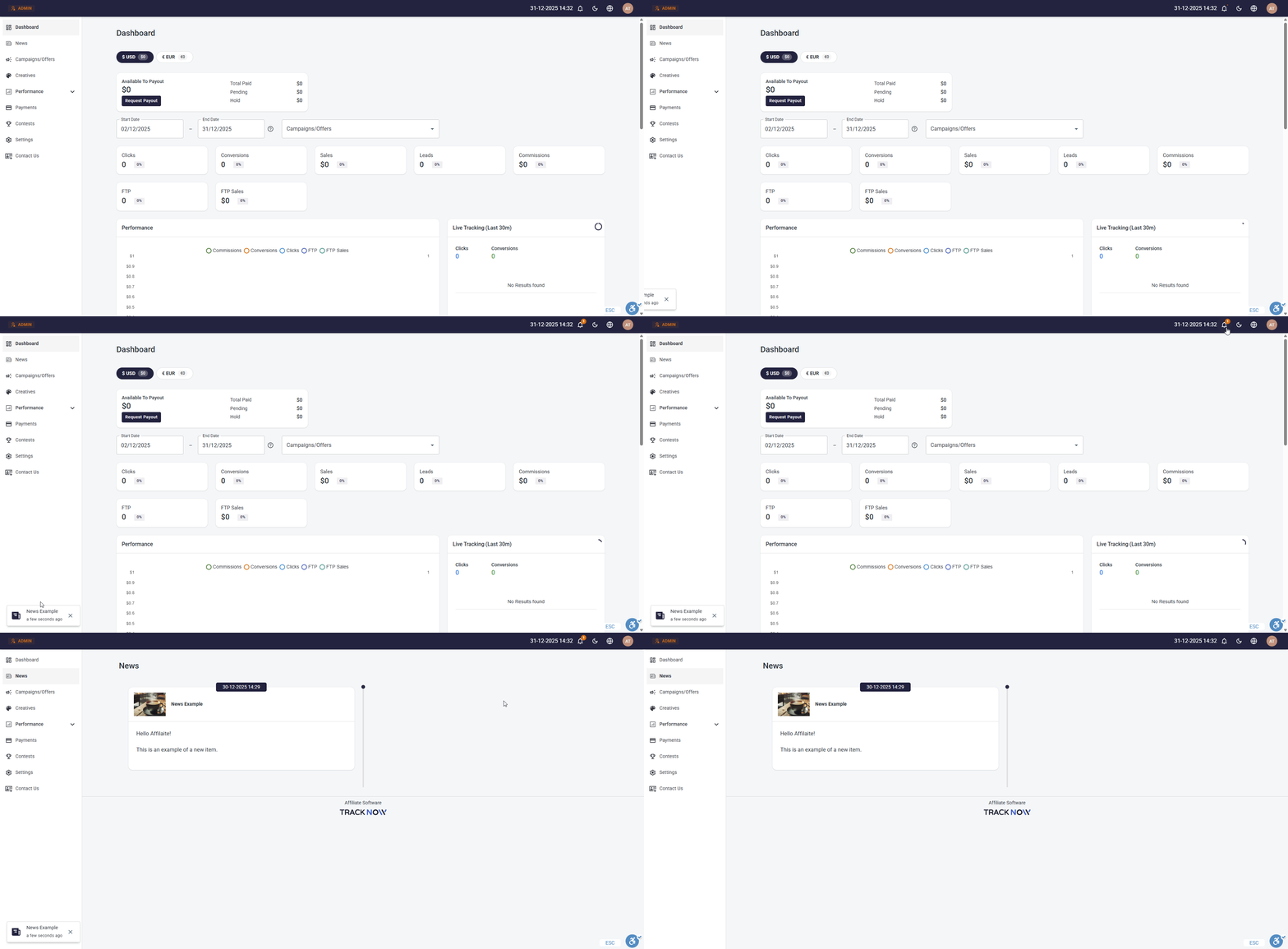
News & Newsletter → click the three-dot icon under Actions → Send As Notification
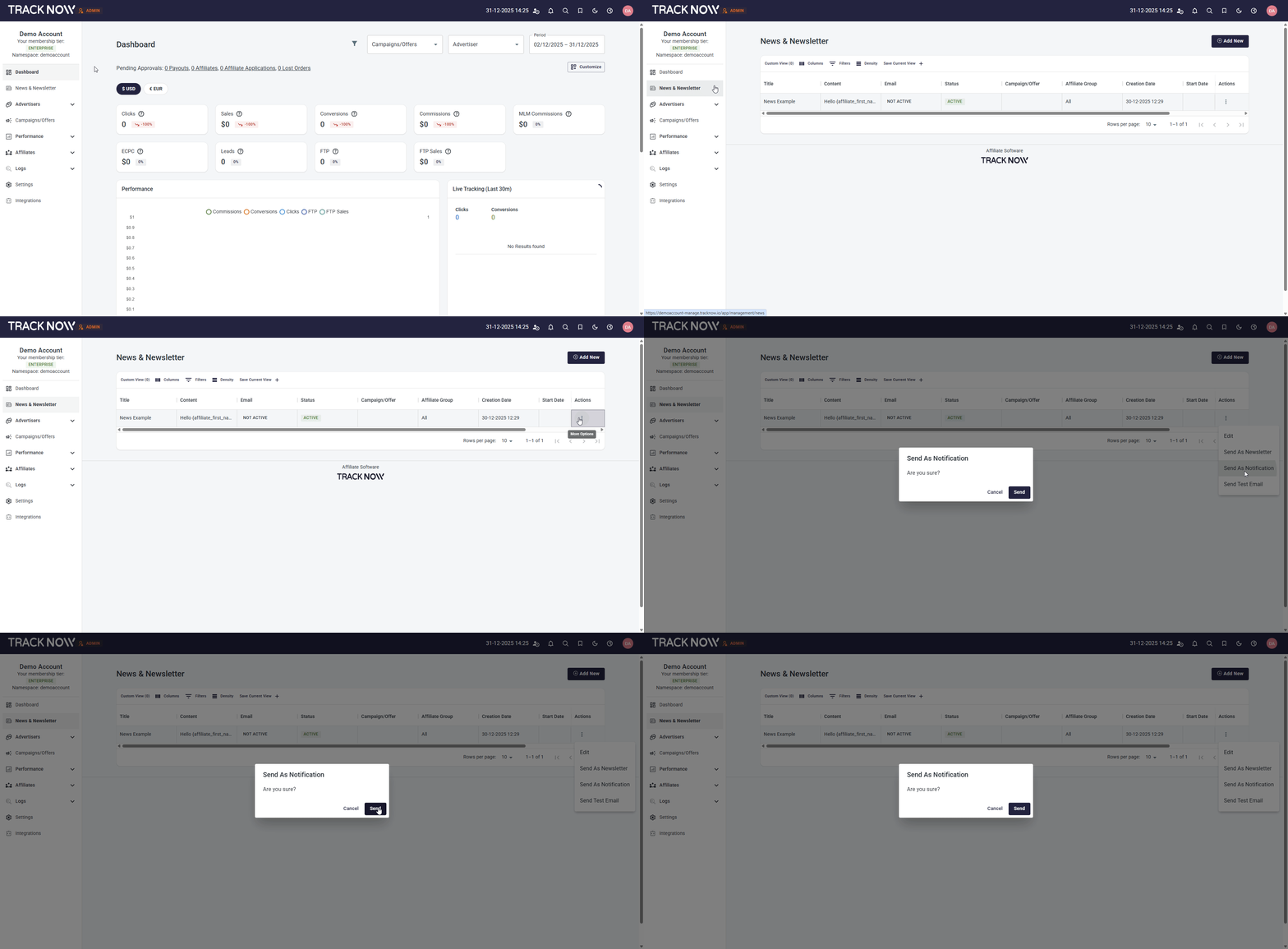
This will trigger a real-time pop-up and notification in the relevant affiliates’ portal when a new news item is added. Clicking it will direct them to the News screen to view the item.
Email News Items to Affilaites
You must configure a custom email address to use this feature.
News & Newsletter → click the three-dot icon under Actions → Send As Newsletter
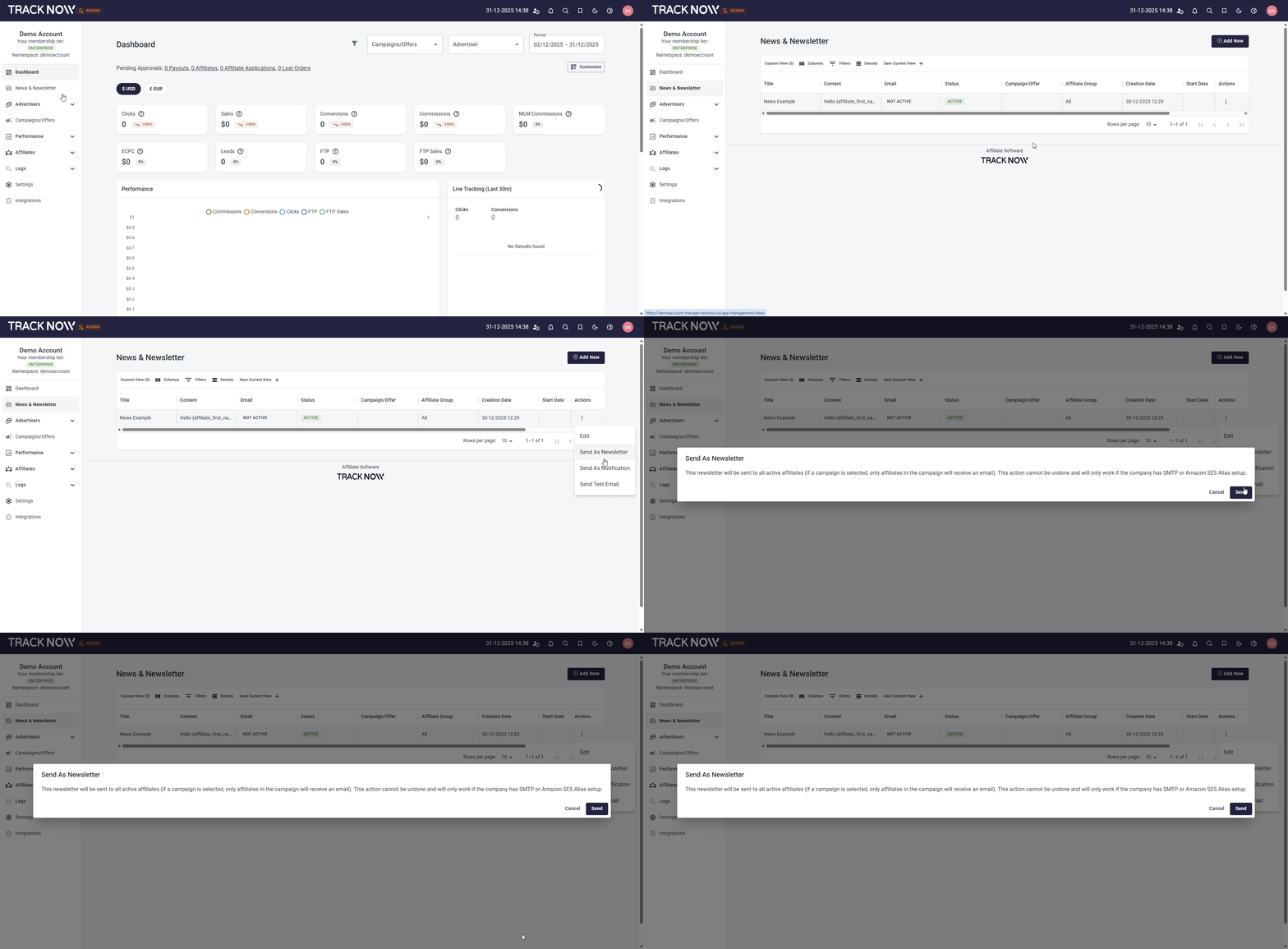
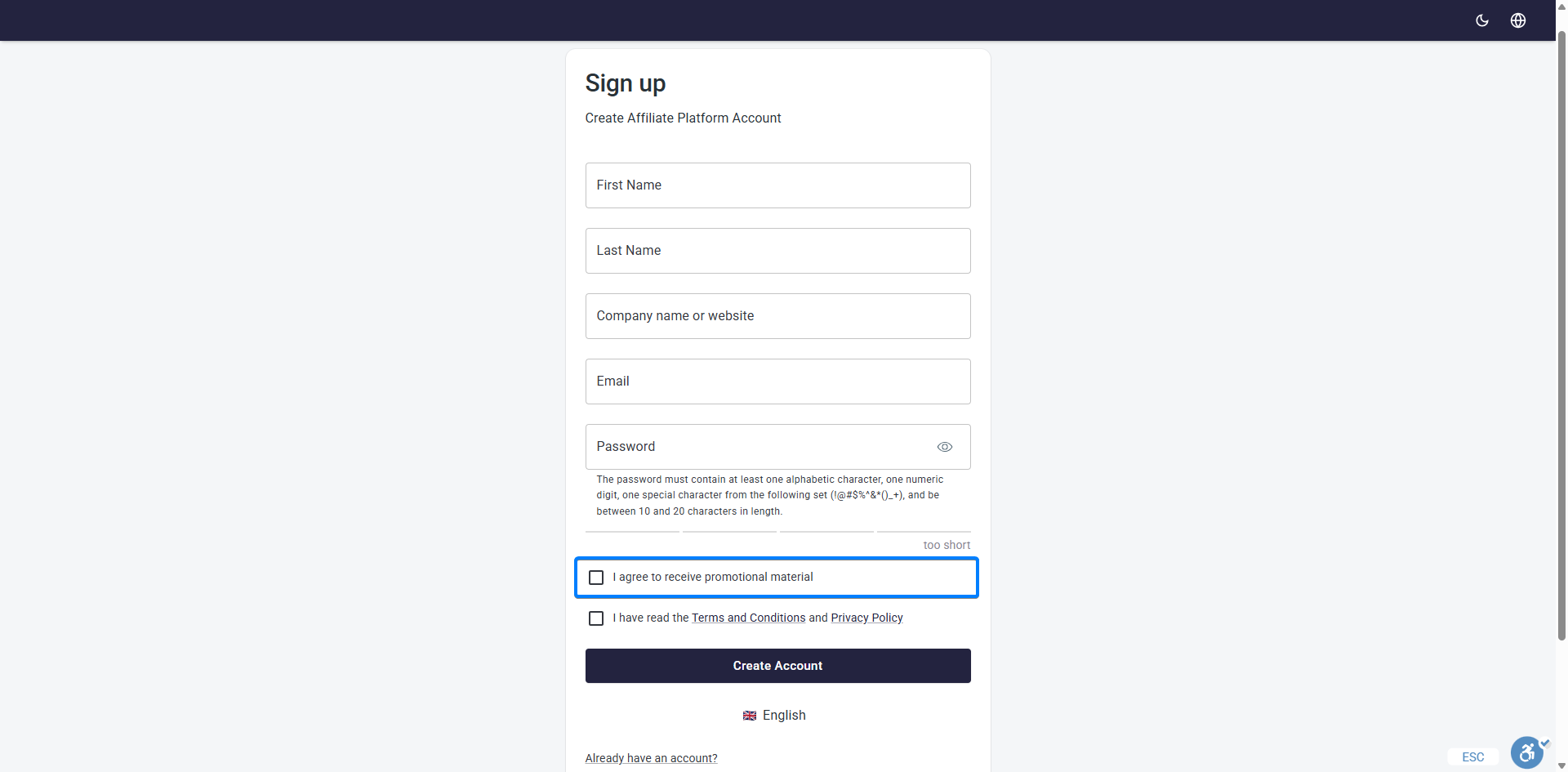
This will send the news item by email to the relevant affiliates, but only to those who agreed to receive promotional materials during registration.
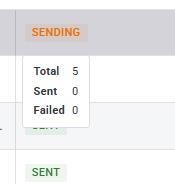
The outgoing emails status can be viewed by hovering over the status value under the Email column.
You can first send a test email to yourself to confirm the appearance of the email.